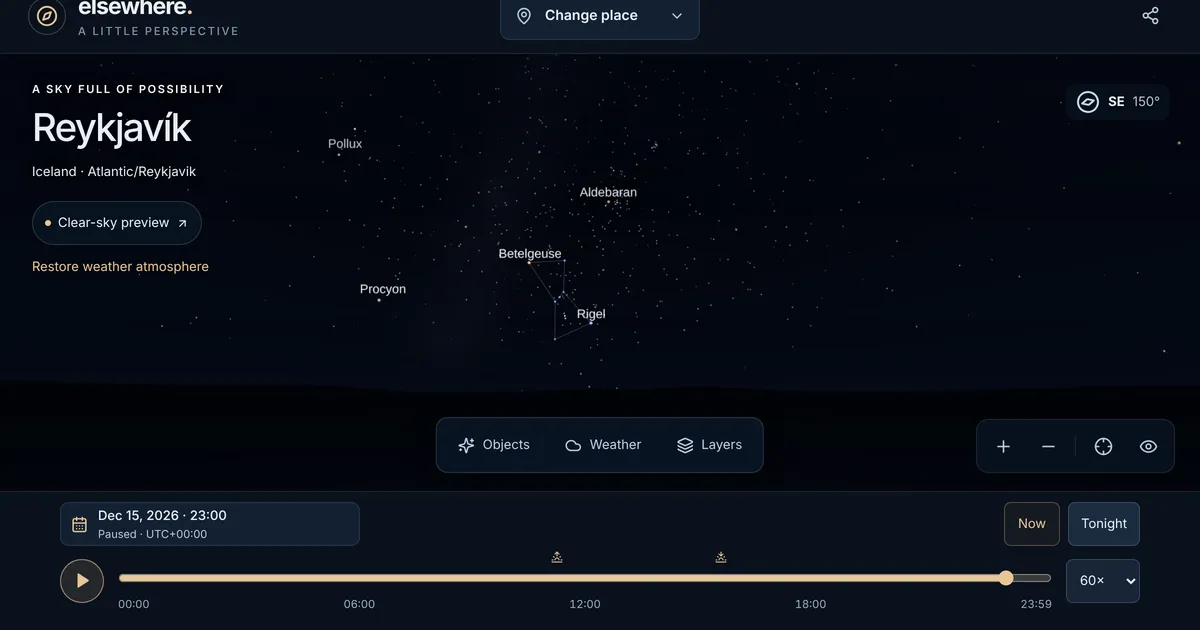
Star-map apps are good at one question: what is above me right now? Point the phone up and the labels appear.
Many of the questions people actually ask about the sky are about some other place or time. What did the sky look like over Tromsø the night I was born? Is tonight’s Moon the same Moon my family sees 7,000 km away, and what does it look like from there? Will the clouds over Beijing clear before sunset on Saturday?
Elsewhere is built for those questions. It shows the sky of a particular moment, anywhere: the calculated sky for that place and time, the weather at that moment, and a plain explanation of what you could see.
Pick a Place, Pick a Moment
Choose one of eight preset places, search for any city, or use your device’s location when you ask for it. Changing the place keeps the instant and updates the local clock, so you can watch the same moment move around the world.
Time works the same way. Type an exact local date and time, step to the previous or next day, jump to sunrise, sunset, or tonight, or drag along a timeline of the actual civil day. Press play to run time at 1×, 10×, 60×, or 600×, or press Now to follow the real clock. Daylight-saving edge cases are handled honestly: a repeated hour offers both UTC offsets, and a time that never happened explains why.
The astronomy covers 1900 to 2100. The Sun, the Moon, the five naked-eye planets (Mercury, Venus, Mars, Jupiter, and Saturn), and 5,070 stars are computed for the instant you choose, with standard atmospheric refraction applied to their altitudes.
The Weather Is Part of the Sky
A star chart shows you every star whether or not you could see it. Elsewhere puts the weather in. For the moment you are looking at, it takes the forecast (up to 15 days ahead), recent observations, or historical reanalysis back to 1940 from Open-Meteo, and draws the clouds, haze, rain, or snow into the scene.
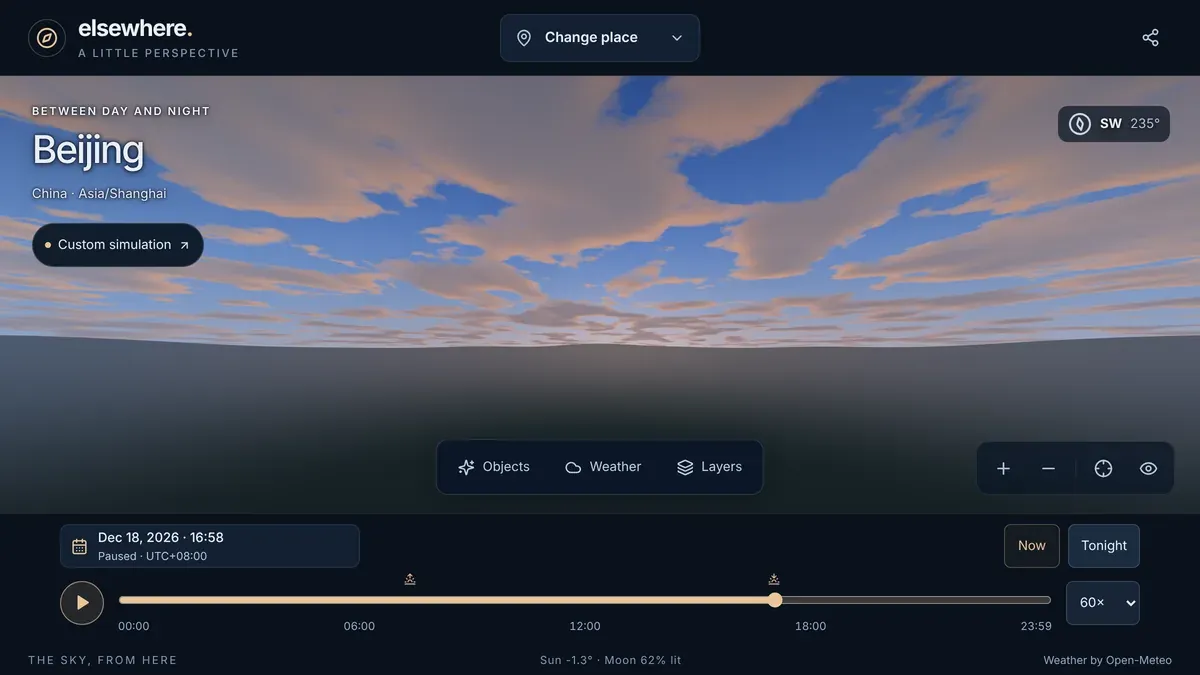
The source is always on screen: forecast, recent, or historical, with timestamps, missing values left missing, and stale data labeled stale. You can also set the conditions yourself, which Elsewhere labels as a custom simulation, or tap Preview a clear sky to lift the clouds for a moment and see what is behind them. A Restore button brings the real weather back. None of this changes the calculated positions; weather only decides what you could see.
Ask Why You Can or Cannot See Something
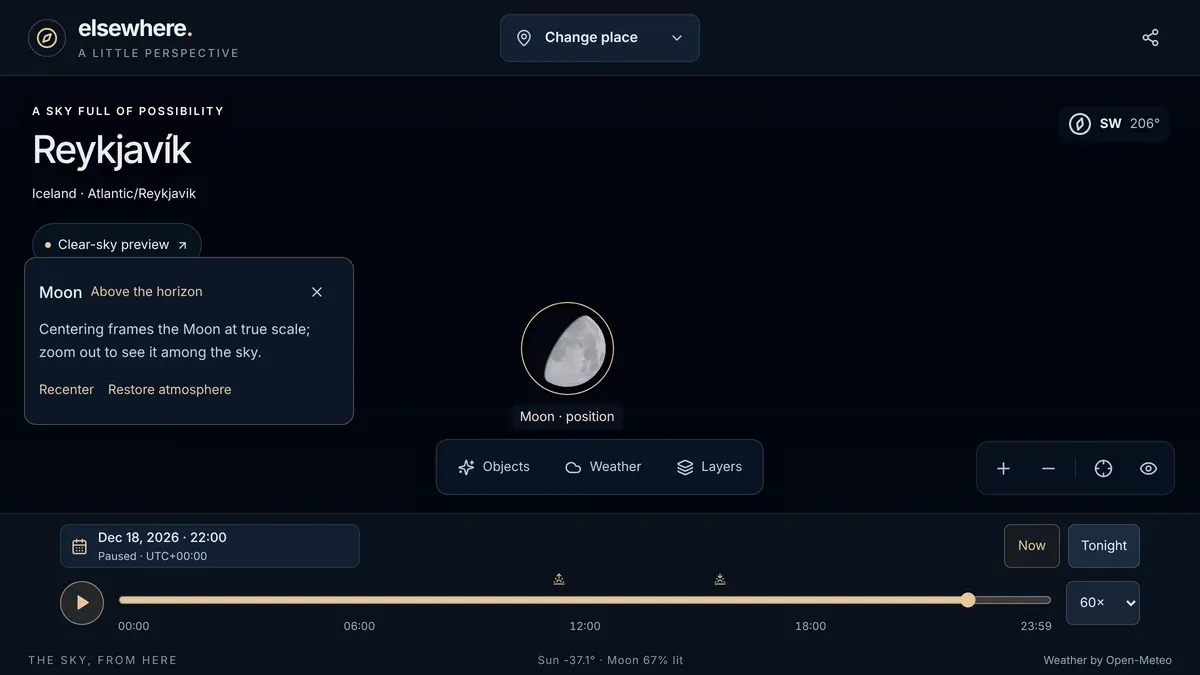
Drag the sky to look around, and pinch, scroll, or press + and − to zoom. Open Objects to search by name (in English or Chinese) and center anything in view. Elsewhere leaves a marker and tells you whether the object is visible and why not: below the horizon, lost in daylight, or behind clouds. A hidden Sun or Moon can jump straight to its next rise.
Center the Moon and the view narrows to a 2° field, close enough to show the lunar surface and the phase as you would see it from that place.
Layers for stars, labels, and constellation lines switch on and off independently. You can choose dark, suburban, or city sky brightness, a flat or illustrative horizon, reduced motion, and rendering quality.
Keep a Moment
Every view can become a link. The link holds the place, the instant, the camera, the layers, and any custom conditions, and if you made it while centered on the Moon or a constellation, it opens by turning to it. The state lives after the # in the URL, which browsers never send to a server. Device locations are rounded to about 10 km unless you choose to share them exactly.
The share dialog can also make an image: a keepsake card of the moment, drawn either realistically or as an illustration in watercolor and gouache, above a ridge, mountains, the sea, or a city. The card carries the place name, local time, the direction you are facing, the Moon’s phase, the weather and where it came from, and the data credits. If you previewed a clear sky, the card says so.
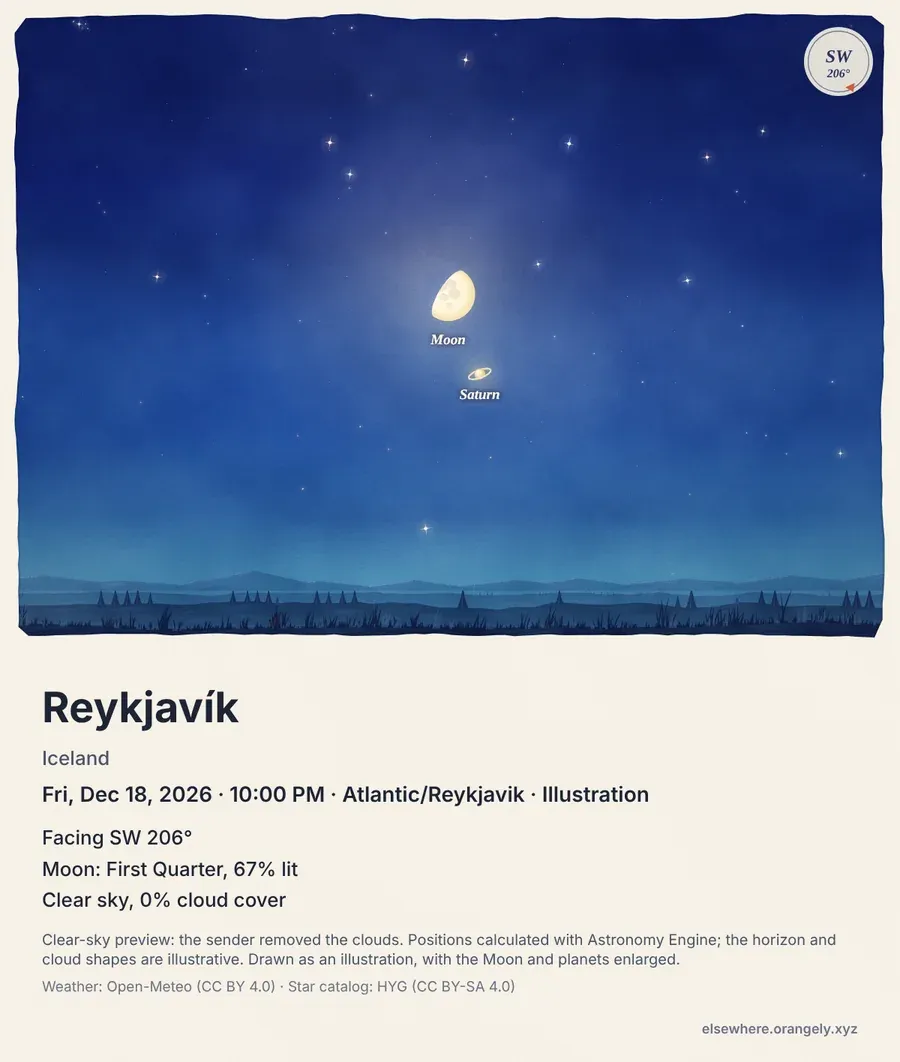
The keepsake image is still a prototype. The next step on the roadmap is to test it with people who have never used Elsewhere, then make sky moments the center of the app.
Honest About Its Limits
Elsewhere is educational visualization, not a research tool, and it says so. The landscape, cloud shapes, and precipitation are illustrative. The Milky Way is a procedural glow aligned with the stars, not a survey image. There are no planetary discs or moons, no measured terrain, and no eclipse timing. The sources, privacy, and limitations page lists what is calculated, what is modeled, and what is drawn, together with the licenses for the star catalog, lunar imagery, and weather data.
Privacy and How It Is Built
There are no accounts and no analytics. Preferences and saved places stay in your browser, weather requests go straight from your browser to Open-Meteo, and weather is cached only in memory. After the first successful visit, the app and the star catalog reopen offline; search and weather still need a connection.
Under the hood, Elsewhere is a React and TypeScript app built with Vite. The sky is drawn with Three.js and WebGL: the star sphere turns on the GPU, static scenes render only when something changes, clouds animate only when their drift is visible, and hidden tabs stop drawing. The positions come from Astronomy Engine and the stars from the HYG catalog. The whole interface is in English and Simplified Chinese and follows your browser’s language. Cloudflare Workers serves it as static files. The source code is MIT-licensed, and the bundled data keeps its own licenses.
Try It
Elsewhere is free and opens on the sky above New York right now. Press Tonight, then Find the Moon. After that, pick a place that matters to you and a date that matters to you, and see what the sky was doing.